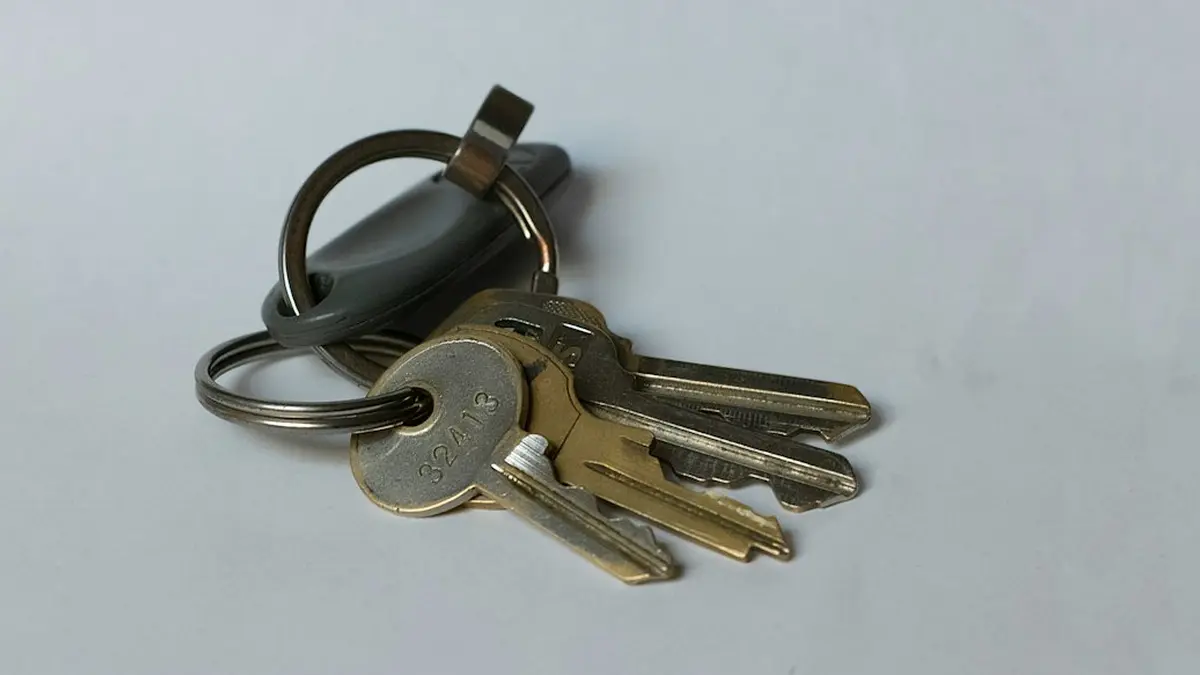
Buy two keys for every person who will use one. The first is the primary, which they carry. The second is a backup, registered to the same accounts and stored somewhere locked.
Federal guidance sets that number. The GSA phishing-resistant authenticator playbook encourages agencies to "maintain at least two valid authenticators" per user to limit the risk of account recovery takeover. CISA's Hybrid Identity Solutions Guidance tells agencies to "register multiple authenticators per account to reduce the need for account recovery."
One point matters more than the rest: a backup key only counts if it is enrolled before enforcement starts. A spare still in its box on enforcement day does not protect anyone from lockout.
What goes on the purchase order
-
A headcount of who gets a physical key
The [FIDO Alliance](https://fidoalliance.org/white-paper-displace-password-otp-authentication-with-passkeys/) says the number of credentials on an account should be "close to the number of devices that a user leverages." Platform passkeys on the laptop and phone count toward that number. At [Semperis](https://fidoalliance.org/semperis-enforcing-phishing-resistant-authentication-at-scale-with-passkeys/), which has about 600 staff, keys were available to anyone who asked, and only a small number of employees chose one. Break-glass and super-privileged accounts were the exception: those required hardware keys.
-
Two keys per person on that list
One primary and one backup. For the general workforce, a second registered credential of any phishing-resistant type meets the CISA guidance, so it does not have to be a second key.
-
A spares buffer
Yubico's enterprise subscription includes a replacement allowance of 25% of deployed keys per year for loss and turnover, according to a [2026 pricing breakdown](https://www.accio.com/business/yubikeys-cost). That allowance is a contract term, not a standard. It is still a reasonable figure to plan around.
-
Locked storage for every backup
An individual safe or a locked cabinet.
-
A FIPS-validated model, if you need one
Under NIST SP 800-63, the required assurance level determines whether a FIPS 140 Level 1 or Level 2 device is needed.
Sizing an order for 100 key users
This is a hypothetical example. A company issues keys to 100 people, using the 2026 retail price range for the Yubico Security Key C NFC, which was $29.00 to $44.29 per unit.
| Primary keys | 100 |
|---|---|
| Backup keys | 100 |
| Spares at 25% of 200 deployed | 50 |
| Total keys | 250 |
| Cost at $29.00 | $7,250 |
| Cost at $44.29 | $11,072.50 |
The order is 250 keys. A FIPS model costs more: the YubiKey 5 NFC FIPS started at $124.38 in the same breakdown.
Register, store, then test the way back in
-
Set each key's PIN
Use at least six digits, which is the GSA playbook's baseline. You should see the key prompt for its PIN at the next registration.
-
Register both keys in the same sitting
Register the primary and the backup to every account the user needs. Device-bound credentials cannot be copied off a key, so a backup that misses one service will not get the user into that service. If you run Microsoft 365, this is where enabling keys in Entra ID comes in. You should see two security keys listed under the user's sign-in methods.
-
Lock the backup away
Put it in the individual safe or locked cabinet, and record which key is stored where. You should see every backup accounted for in your inventory.
-
Keep one non-key recovery route
The FIDO Alliance says a separate backup method should exist to bootstrap enrollment of a replacement key. For privileged accounts, leave the software fallbacks out: Semperis banned Microsoft's Temporary Access Pass for break-glass and privileged accounts, while keeping it for general staff. You should see a documented route the service desk can follow.
-
Pilot with 25 to 50 users
This is the cohort size the GSA playbook suggests for roaming keys. Have each user sign in with the backup only, then walk one user through the full loss of both keys. You should see every pilot user reach the desktop using the backup, and the replacement route end in a newly enrolled key.
-
Enforce
Turn enforcement on only once the recovery test passes. Semperis shortened its notice from two weeks to one week, then to same day for users who were late to enroll. You should see the user's sign-in methods reduced to phishing-resistant ones only.
Where the two-key plan breaks
With two keys registered and a tested recovery route, you can enforce without leaving the help desk to cope with lockouts. Which key standard you buy, and how the platform rollout runs, sets the rest of the order. If you are still deciding who needs a physical key at all, the trade-off against authenticator apps is laid out separately.
Which keys, and in what order across the company?
The full path from choosing a key standard to a tenant-wide rollout.
Read the deployment guide
Comments
No comments yet. Be the first to comment!
Leave a Comment